10 of the absolute best Canva alternatives in 2026
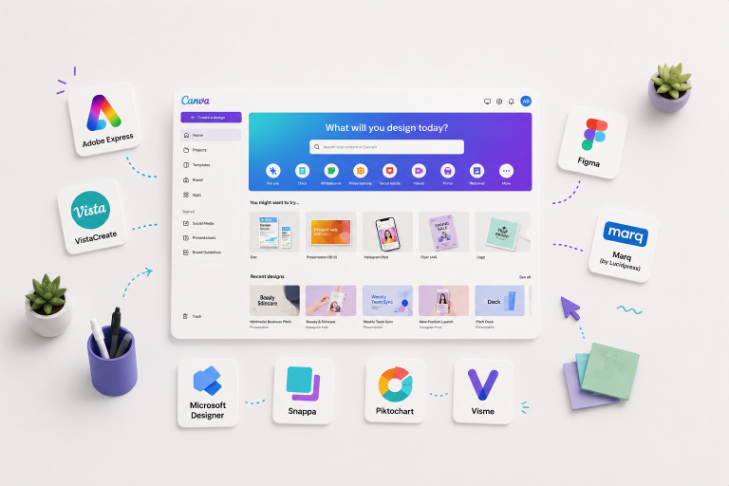
TABLE OF CONTENTS
TL;DR
Canva is great until your business outgrows it. If you want a better DIY tool, Adobe Express is the closest all-round swap and Figma is best for teams. If you want free, Microsoft Designer is the strongest no-cost pick. And if the real problem is that nobody has time to design, ManyPixels hands the work to a professional designer instead of giving you another blank canvas. Here are 10 of the best apps like Canva, ranked by who each one fits.
Why look for a Canva alternative?
Love it or hate it, Canva is one of the most recognizable design platforms in the world. It gets a non-designer to a decent graphic in ten minutes, and for a lot of teams that's enough. But it isn't everyone's cup of tea. Its creative templates are overused, the editing features only go so far, and once your work gets more complex you hit a wall.
That's why people go hunting for sites and apps similar to Canva: better deals, more powerful tools, or an experience that fits how they actually work. The catch is that most alternatives to Canva share Canva's core limits. So before you switch, it helps to know what kind of "more" you're after. We've split this list into two camps: tools you drive yourself, and a service that drives for you.
1. ManyPixels: design done for you, not by you
{{GENERAL_PORTFOLIO="/dev/components"}}
Starting price: approx. $699/month
Model: Unlimited design subscription with a dedicated designer or team
If you're not a fan of Canva, there's a good chance you won't love most of the DIY alternatives either. In that case it makes more sense to hand design to professionals. ManyPixels is a subscription-based design company that takes the headache out of designing yourself, on a budget. For around $699/month you get unlimited design requests, a daily output every business day, and first drafts in 24 to 48 hours.
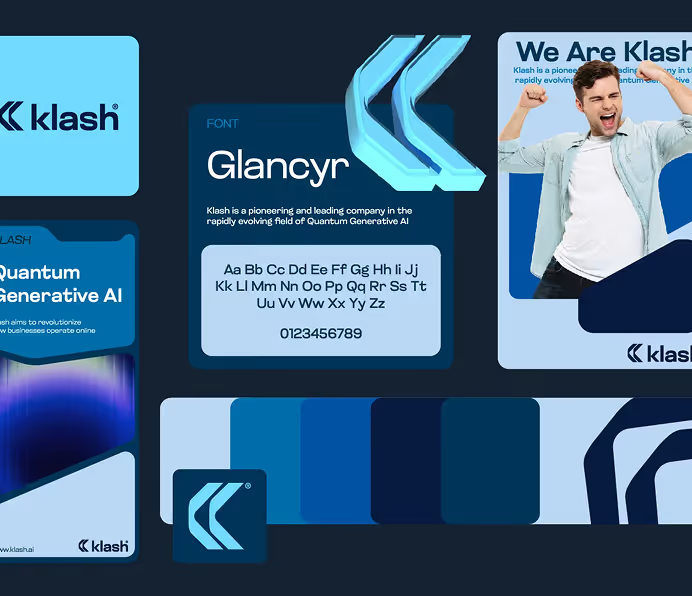
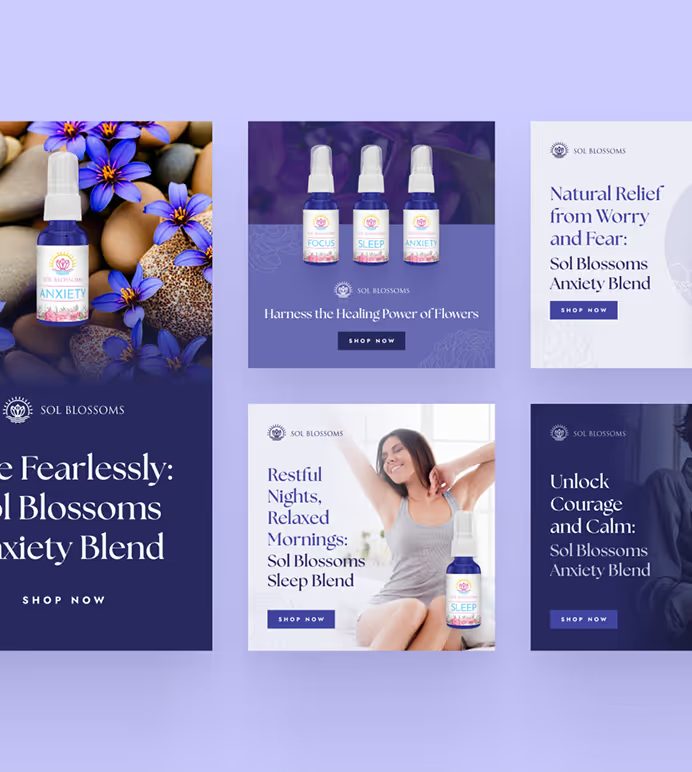
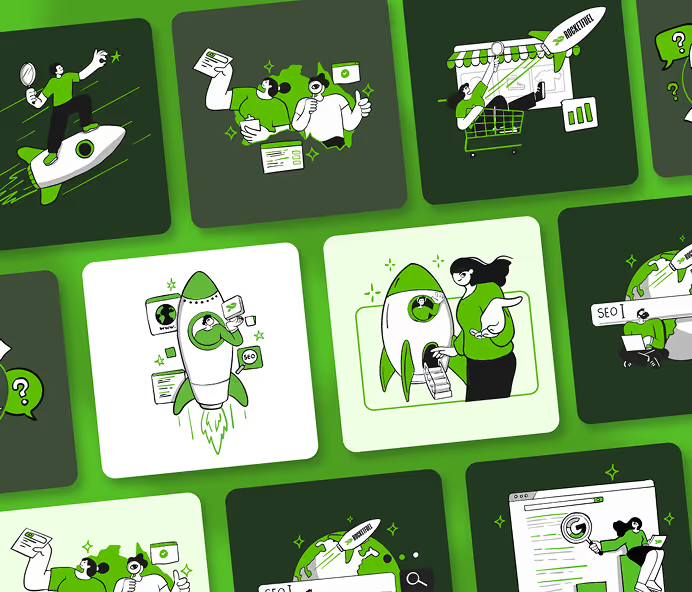
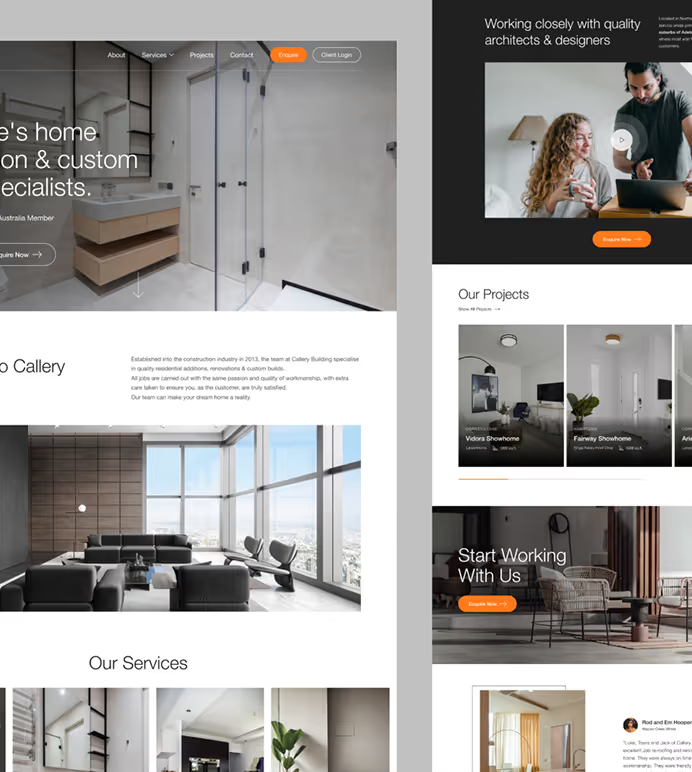
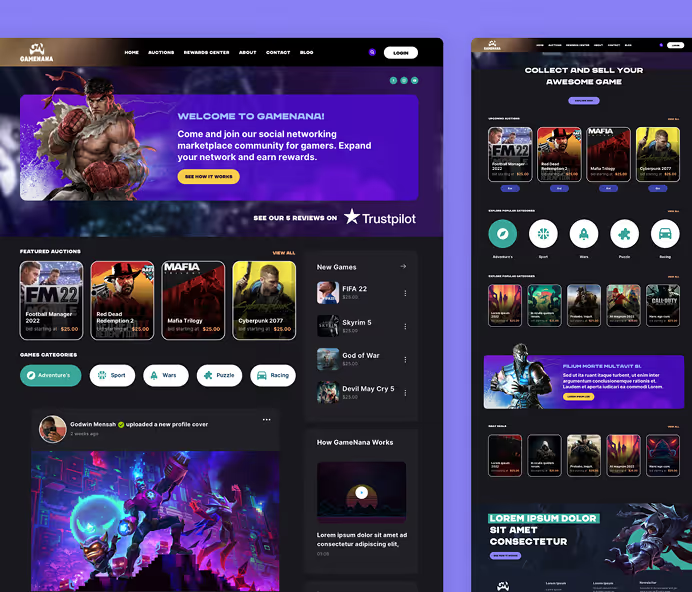
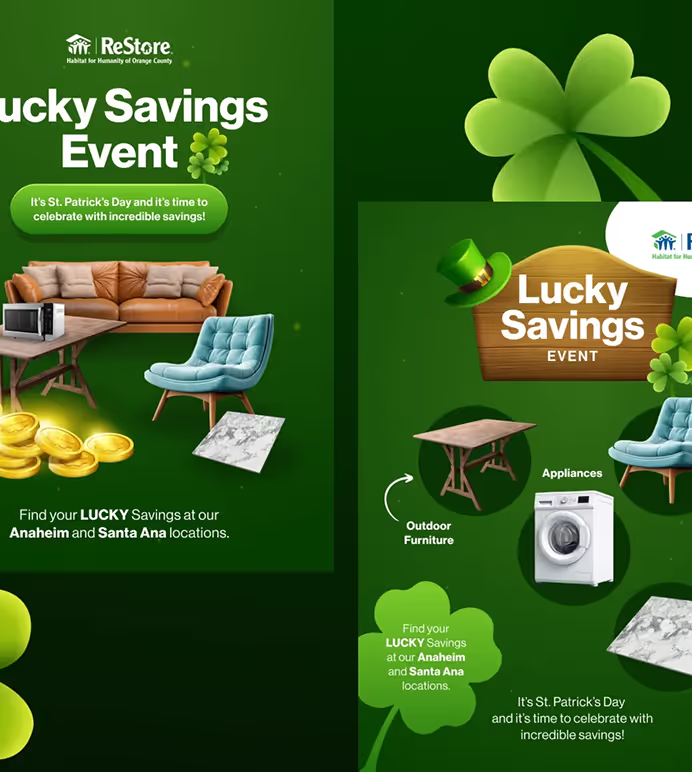
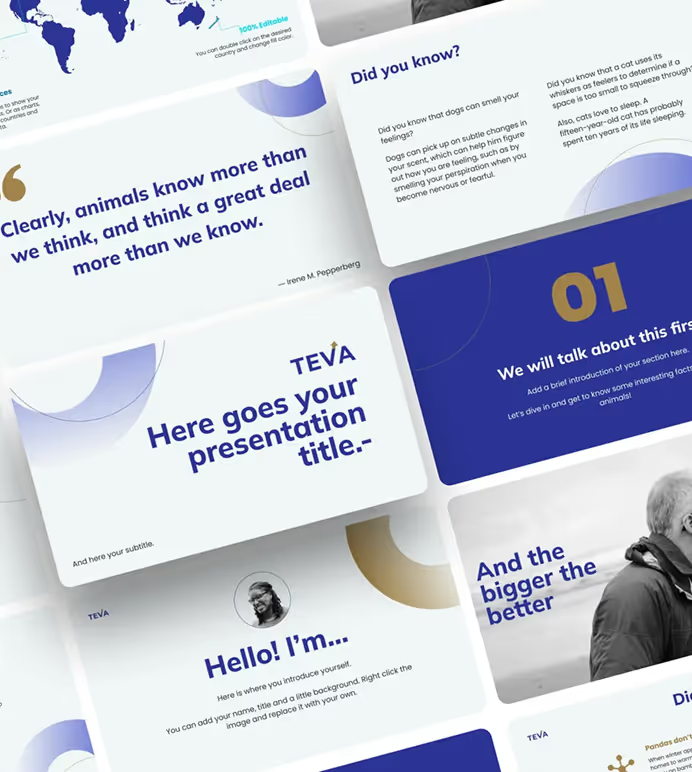
Here's the part that matters for a Canva alternative specifically: ManyPixels offers Canva design services too. These are Canva experts who build beautiful, ready-to-use templates for you, so you keep the flexibility of Canva without doing the work. You can also request designs well beyond Canva's ceiling: social media graphics, web design, illustrations, and presentations, all tailored to your brand.
That said, this only makes sense above a certain volume. Below roughly eight requests a month you're better off with a freelancer or one of the tools below. Work also moves one daily output at a time, so it isn't instant on day one. Above 15 requests a month, the cost per delivered asset beats hiring or agency rates comfortably.
Best for: businesses and marketing teams that have outgrown DIY and need real output without a full-time hire ✅
Not ideal for: someone who just wants to tweak one graphic themselves this afternoon ❌
{{CANVA_BANNER="/dev/components"}}
2. Adobe Express: the best all-round Canva swap

Starting price: free, or approx. $9.99/month
Model: DIY editor
Everyone knows the Adobe suite: Illustrator, Photoshop, After Effects. But the one most similar to Canva is Adobe Express. It's a template-based editor with a huge library, a cleaner interface than you'd expect from Adobe, and Firefly generative AI built in. If you already live in the Adobe world, the ties to Fonts, Stock, and Photoshop are the real draw.
The template count is a touch smaller than Canva's and the free tier's AI credits run out fast. For a team that wants Canva-style ease with more headroom, though, this is the default pick.
Best for: teams that want Canva's simplicity with more power ✅
Not ideal for: anyone who needs collaboration-first workflows ❌
3. Figma: best for teams working with developers
Starting price: free, or approx. $16/editor/month
Model: DIY design tool with real-time collaboration
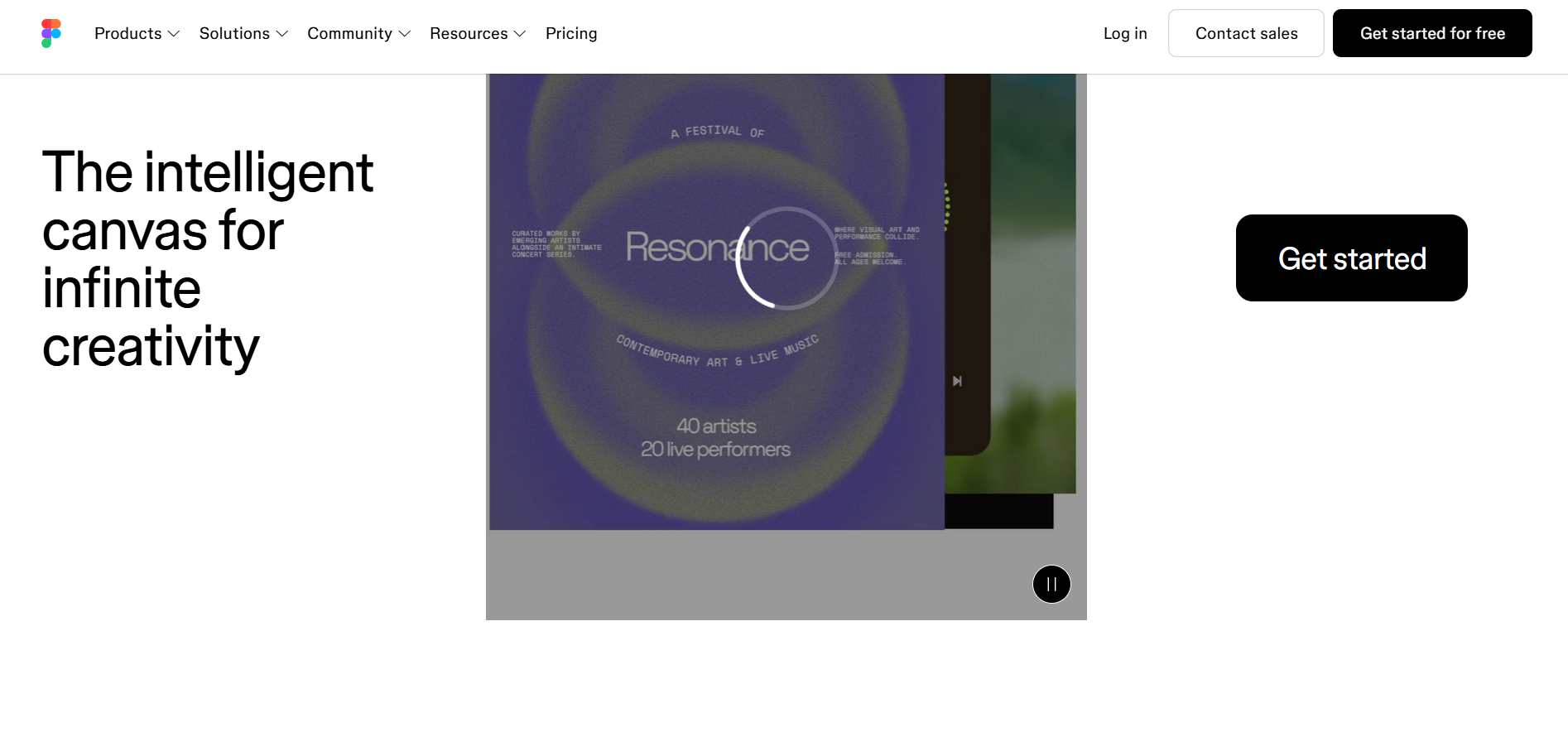
Figma isn't a Canva clone, and that's the point. Its real-time collaboration has made it a home for marketing and product teams that work closely together. If your designers and developers already share a workspace, adding marketing design keeps everything in one place.
The trade-off is the learning curve. Figma assumes some design literacy, so handing it to a non-designer for a quick flyer is rough. FigJam and template kits soften the entry, but it's still a designer's tool first.
Best for: teams that already design and build together ✅
Not ideal for: a non-designer who wants a quick graphic ❌
4. Visme: best for data, infographics, and reports

Starting price: free, or approx. $12.45/month
Model: DIY editor
Visme is one of the more expensive Canva-like tools, but that's because it goes further than Canva on complex work. It handles infographics, reports, and presentations well, with 40+ chart types, flowcharts, and interactive data widgets. For a team that turns numbers into visuals often, it's a real upgrade, and it's known for being easy to use with solid collaboration tools.
For plain social graphics it's more tool than you need, and it has a steeper learning curve than Canva. Match it to the job: dashboards and decks, yes; a quick story, not really.
Best for: teams that visualize data and build reports often ✅
Not ideal for: quick, casual social posts ❌
5. Snappa: best for fast, simple social graphics
Starting price: free (3 downloads/mo), or approx. $10/month
Model: DIY editor
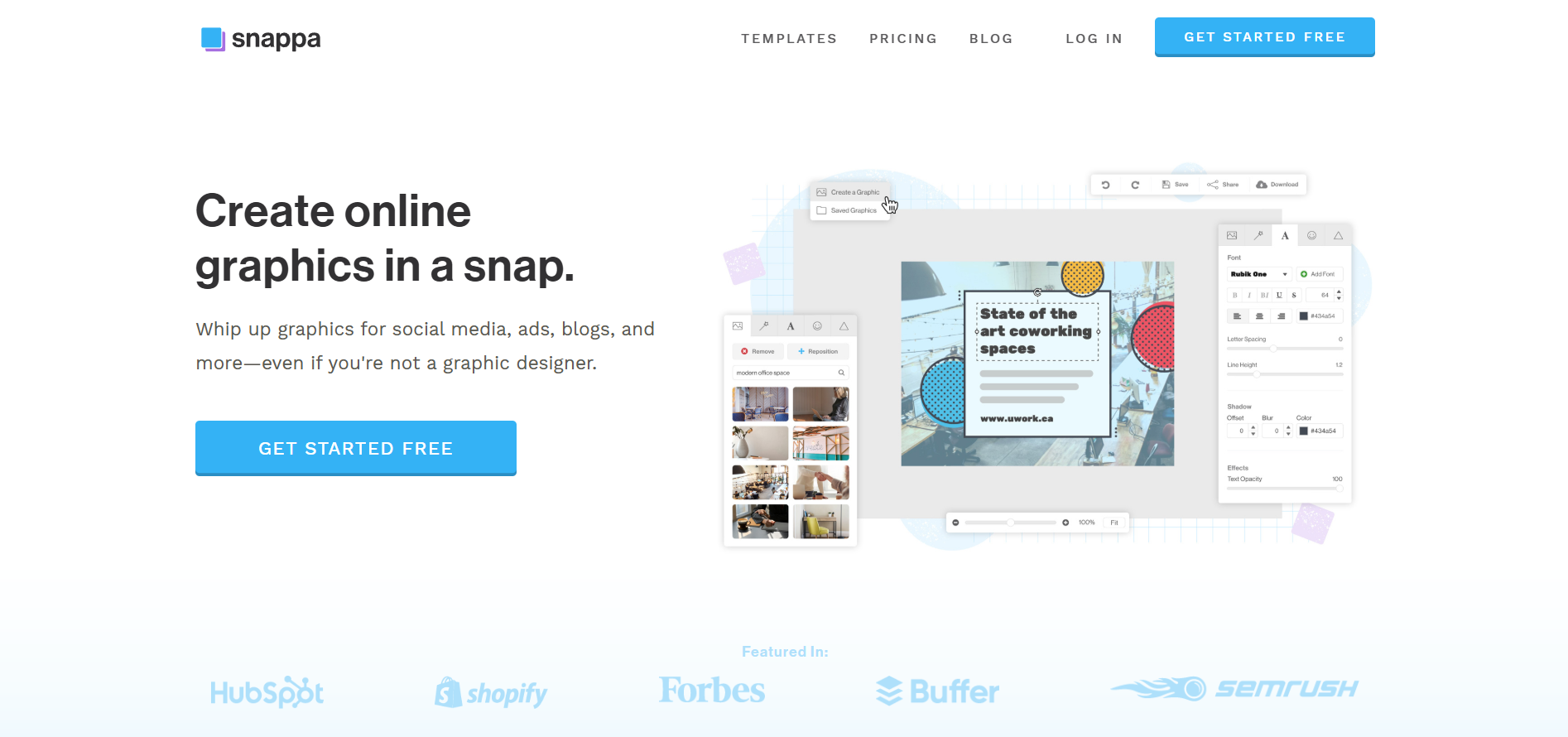
Snappa is among the top apps like Canva for one job: quick social graphics at the right dimensions for every platform. Even the free plan unlocks every template and feature, with the catch that you can only download three designs a month. Millions of stock photos are included, so you're not hunting for images mid-design.
The flip side of that focus is scope. It has fewer templates than Canva, no real AI, and it won't touch presentations or print-heavy work.
Best for: small teams pumping out social graphics ✅
Not ideal for: presentations or complex layouts ❌
6. Piktochart: best for infographics and internal comms
Starting price: free, or approx. $14/month
Model: DIY editor
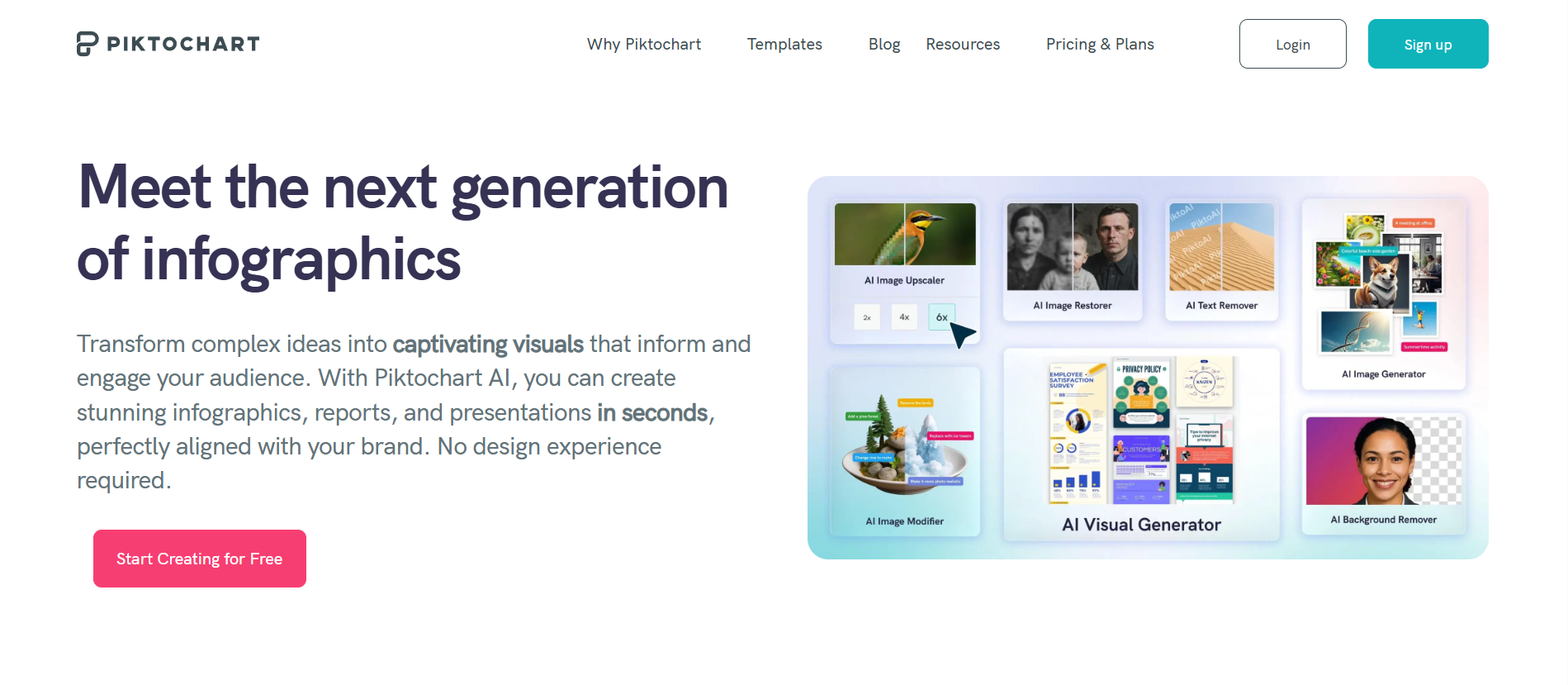
Piktochart has specialized in infographics since 2011 and still does them better than Canva. Its templates are built for explaining things: org charts, timelines, process diagrams, step-by-step guides. HR and internal-comms teams get a lot of mileage out of it.
Outside that lane it's narrower than the all-rounders, and the template library feels smaller. If infographics are core to your output, though, it's sharper than a general editor.
Best for: teams that explain complex info visually ✅
Not ideal for: broad, general-purpose design needs ❌
7. VistaCreate: the closest like-for-like Canva clone

Starting price: free, or approx. $10/month
Model: DIY editor
VistaCreate (formerly Crello) is part of VistaPrint, and it works almost exactly like Canva: same drag-and-drop feel, thousands of templates, a built-in brand kit, and over a million design assets. The standout reason it's here is the smooth path from first click to printed product through VistaPrint.
Because it's so similar, it doesn't fix Canva's underlying limits. The free plan also caps storage at 10GB, so heavier users will pay to go unlimited. It's a lateral move, not a step up.
Best for: Canva users who want the same feel plus easy printing ✅
Not ideal for: anyone hitting Canva's complexity ceiling ❌
9. Ceros: best for interactive, high-end brand content

Starting price: custom quote
Model: DIY editor for interactive content
Ceros plays in a different league: interactive, animated, immersive content for brands that want their digital experiences to stand out. Think scrollable microsites and interactive reports, not a quick banner. Bigger marketing teams use it to produce work Canva can't approach.
The catch is price and scope. Pricing is quote-based and lands well above everything else here, so it only makes sense for teams whose content directly drives revenue. For everyday graphics, it's overkill.
Best for: larger brands investing in interactive content ✅
Not ideal for: small teams or routine graphics ❌
10. Marq: best for locking down brand templates

Starting price: free, or approx. $10/user/month
Model: DIY editor with brand controls
Marq (formerly Lucidpress) is built around brand management. You can lock templates so anyone in the company can fill them in without breaking fonts, colors, or layout. For a business where lots of people make materials but everything has to stay on-brand, that control is the whole pitch.
As a pure design tool it's less flashy than Canva, and the strength only shows when brand consistency at scale is your actual problem. For a solo user it's more structure than you need.
Best for: companies keeping many hands on-brand ✅
Not ideal for: solo users who just want to design ❌
How to choose the right Canva alternative
The fastest way to decide is to name your bottleneck, then match it. Most teams overthink the tool and underthink the model.
If your problem is features, pick a better tool: Adobe Express for all-round work, Figma for team collaboration, Visme for data, Piktochart for infographics.
If your problem is brand consistency across many people, Marq's locked templates are built for it.
If your problem is capacity, meaning the work exists but nobody has time to do it well, no editor fixes that. That's when a design service like ManyPixels makes more sense than any tool, because you're adding a designer, not another login. It's the same reasoning that leads teams to weigh a subscription against freelance platforms.
If you just want Canva with a fresh template set, VistaCreate or Microsoft Designer will feel familiar on day one.
Why teams choose ManyPixels when they outgrow Canva
Working with ManyPixels has made our one-person creative team feel like a full department. They're always ready to help, and they make it incredibly easy to work with. - Ava Stavridis, Manager at Sleep Solutions
When a business outgrows Canva, the honest answer is often that it has outgrown doing design itself. That's the gap ManyPixels fills. A few reasons teams make the switch:
- A real designer, not a template. Someone who learns your brand and keeps it consistent across every asset, including Canva work if you still need it. 🎨
- Predictable pricing. A flat monthly fee with unlimited requests and revisions, instead of per-project surprises. 💰
- Fast, steady output. A daily output every business day, with first drafts in 24 to 48 hours. ⚡
- No commitment trap. Pause anytime for $10/month and keep all your files, or cancel when you want.
👉 If the tools above still leave you doing the design yourself, explore ManyPixels plans and see what handing it off looks like.
Frequently asked questions
Bottom line
For a better tool, Adobe Express is the safest all-round Canva alternative and Figma is the pick for teams. But if you keep landing on this list because design is eating your team's time, the tool isn't the problem. Handing the work to a designer through a service like ManyPixels solves the capacity and consistency issues no editor can. Match the fix to the bottleneck, and the choice gets easy.

Zach is a content and SEO strategist with an affinity for cars, tech, and animals. He runs a SaaS content agency, and when he's not typing, he runs his small-scale farm at home.

Top-quality designers
A complete creative team at your fingertips: graphic and web designers, illustrators, and more.
Lightning-fast turnaround
Get start today and receive your first update on the next business day.

All-inclusive pricing
Unlimited requests and revisions. One flat monthly fee. No surprises.
Flexible & scalable model
No contract. Scale up and down as needed. Pause or cancel at anytime.
Continue reading

Explore some of our best designs
Get inspired by a curated selection of ManyPixels work. Download the portfolio to see what our team can create.